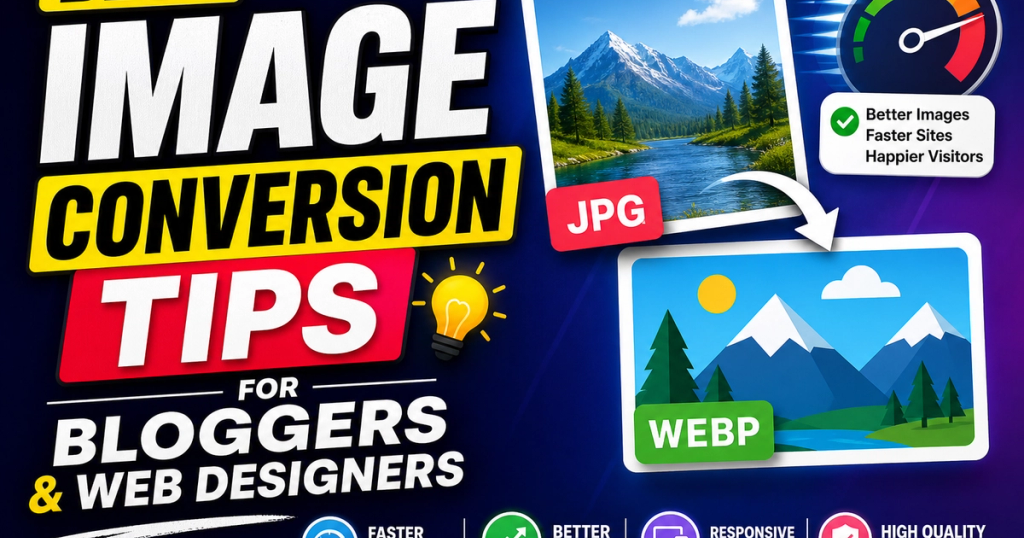
As a blogger or web designer, you understand the importance of high-quality images on your website. Not only do they enhance the user experience, but they also improve your website's performance and search engine optimization (SEO). However, managing image files can be a daunting task, especially when it comes to converting and optimizing them for various file formats and browser compatibility.
In this article, we'll explore the best image conversion tips and techniques to help you optimize your images for better web performance, compatibility, and quality.
What is Image Conversion, and Why Does it Matter?
Image conversion is the process of changing an image file format to a different one, such as converting a JPEG to a PNG or a GIF to a SVG. This is crucial for ensuring that your images load quickly on various devices and browsers. An optimized image can significantly improve your website's loading speed, which directly impacts user experience and search engine rankings.
Common Problems and Challenges
When converting images, you may encounter issues such as:
- Quality loss: Converting an image to a lower-quality format can result in a loss of detail or color.
- Transparency issues: PNG and GIF images can have transparent backgrounds, but converting them to JPEG can cause the background to become opaque.
- Compatibility errors: Different browsers may not support certain image formats, leading to broken images or distorted visuals.
- File size problems: Large image files can slow down your website, while conversion to smaller sizes can compromise quality.
- Unsupported format issues: Some image formats may not be supported by certain browsers or devices.
How to Optimize and Convert Images with ConvertoTech
ConvertoTech is here to simplify the image conversion process. Here's a step-by-step guide to optimizing and converting your images with our tool:
- Upload your image: Simply select the image file you want to convert or upload a new one from your device.
- Select the desired format: Choose from a range of formats, including JPEG, PNG, GIF, and more.
- Convert instantly: Our tool will quickly process and convert your image to the selected format.
- Download your optimized result: Receive your converted image in the desired format and quality.
Expert Tips and Best Practices for Image Optimization
To get the most out of your image conversions, follow these expert tips:
- Use the right format: Choose the format that best suits your image type (JPEG for photos, PNG for graphics, etc.).
- Optimize for file size: Reduce file size without compromising quality using our image conversion tool.
- Preserve image quality: Select formats that support alpha transparency and RGB color profiles for the best image quality.
- Use a consistent naming convention: Organize your image assets with descriptive file names and extensions.
- Cache images: Store frequently used images in a cache folder to reduce server load and improve loading times.
Conclusion
In conclusion, image conversion is a crucial aspect of web design and development. By understanding the importance of image optimization and using the right tools, you can ensure that your website's images load quickly, are compatible with various devices, and maintain their quality. With ConvertoTech's image conversion tool, you can achieve these goals effortlessly. Convert your images instantly with ConvertoTech for better performance, compatibility, and optimized file quality.