Image formats can make or break a website's performance. The wrong choice can lead to slow loading speeds, compatibility issues, and poor search engine optimization (SEO). With so many options available, selecting the best image format for your website can be daunting. This article will guide you through the world of image formats, covering the most common types, their uses, and how to convert and optimize them using ConvertoTech's tools.
Why Image Formats Matter
When it comes to online presence, images are often the first thing users notice. However, a poorly chosen image format can significantly impact your website's performance. Slow loading speeds and compatibility issues can lead to increased bounce rates, lower engagement, and ultimately, decreased revenue. SEO algorithms also take into account page speed and user experience, so optimizing your image formats is crucial for ranking higher in search engine results.
Understanding Image Formats
The Main Contenders
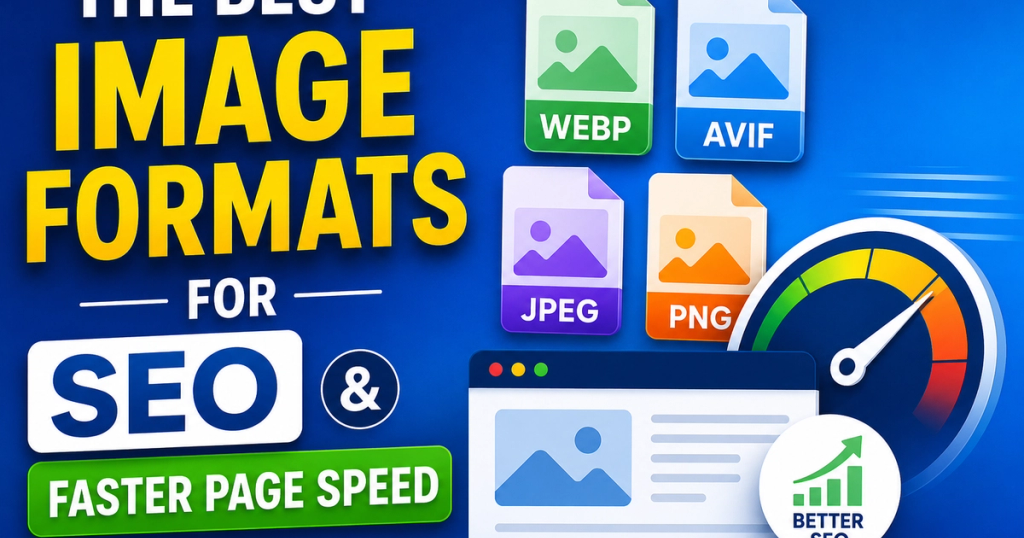
- JPEG (Joint Photographic Experts Group): Ideal for photographs, JPEG is a lossy format that reduces file size by discarding unnecessary data.
- PNG (Portable Network Graphics): Suitable for graphics, logos, and text-based images, PNG is a lossless format that preserves image quality.
- WebP (Web Picture): Developed by Google, WebP is a modern format that balances image quality and file size, providing significant savings.
- SVG (Scalable Vector Graphics): Perfect for logos, icons, and graphics, SVG is a vector-based format scalable to any size.
- GIF: A classic format primarily used for animations and small images, GIF is outdated and less compatible with modern web standards.
Choosing the Right Format for Your Images
Select the best image format based on the type of image, use case, and desired file size.
- Photographs: JPEG or WebP
- Graphics and logos: PNG or SVG
- Animations: GIF
- Icons and small images: WebP or PNG
A Step-by-Step Guide to Image Conversion and Optimization
ConvertoTech's image conversion and optimization tools make it easy to switch between formats and sizes.
- Upload your image: Select the image you want to convert from your device or cloud storage.
- Choose the desired format: Select the optimal image format for your use case: WebP, JPEG, PNG, or SVG.
- Convert instantly: ConvertoTech's advanced algorithms will convert and optimize your image in seconds.
- Download the optimized result: Get your new, optimized image in the desired format.
Common Challenges and Solutions
During image conversion and optimization, you might encounter issues. Here are a few common problems and their solutions:
- Quality loss: Choose a lossless format like PNG or WebP to preserve image quality.
- Transparency issues: Use PNG or SVG for transparent images.
- Compatibility errors: Ensure the browser and device you're targeting support the chosen format.
- File size problems: Use ConvertoTech's compression tools to reduce file size without compromising quality.
- Unsupported format issues: Try converting to a more widely supported format like JPEG or PNG.
Expert Tips and Best Practices
To ensure seamless image conversion and optimization, follow these simple guidelines:
- Always check browser compatibility and support for the chosen format.
- Utilize compression algorithms to reduce file size.
- Preserve image quality by choosing lossless formats.
- Test your images on various devices and browsers.
Conclusion
Selecting the best image format for SEO and faster page speed is crucial for your website's online success. With these guidelines and ConvertoTech's image conversion and optimization tools, you can ensure high-quality images that perform well across various devices and browsers. Remember, the right image format can make all the difference. Convert your images instantly with ConvertoTech for better performance, compatibility, and optimized file quality.